When the AI Can't Fix Its Own Code
You built an app by talking to an AI. No programming background, just ideas and prompts. And it worked! Until one day, it didn't. This article explains why that happens, why asking the AI to “clean it up” won't save you, and what actually does.
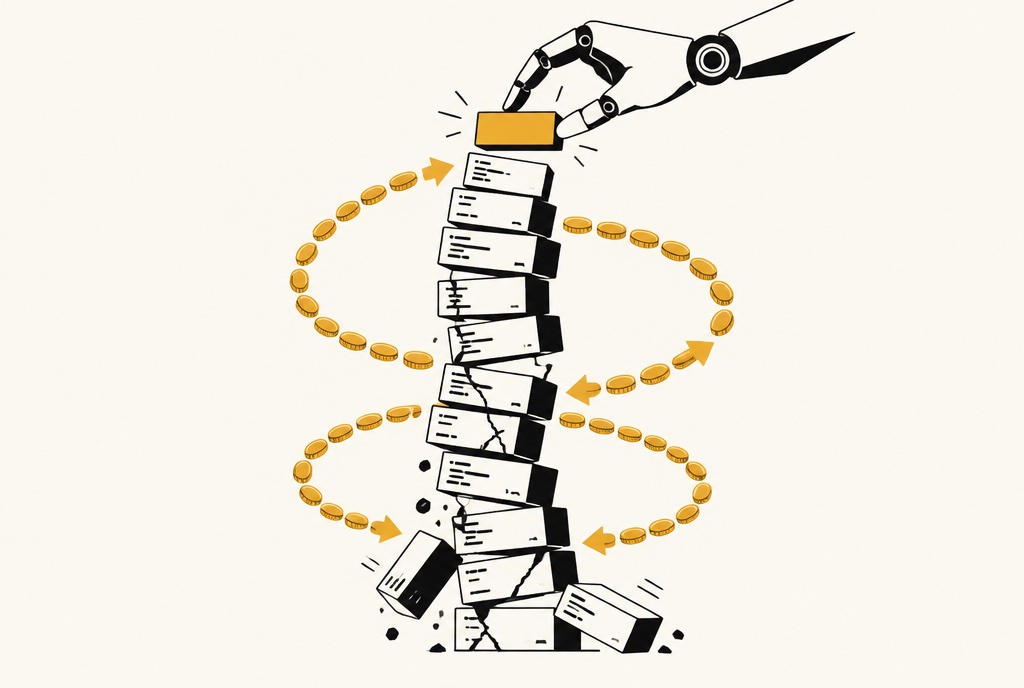
The honeymoon phase
The first weeks of vibe coding feel like a superpower. You describe a login screen, and there it is. You ask for a dashboard, and it appears. Things that would take a developer days happen in minutes.
Then, slowly, something changes. Not overnight, but you start to notice it.
Does this sound familiar?
- You add a new feature and something that worked yesterday is suddenly broken.
- A bug you fixed last week is back, sometimes in a slightly different form.
- The AI says “Fixed!”, but it isn't. You ask again. And again.
- Small changes take hours instead of minutes.
- You're scared to touch certain parts of your app.
- Your token bill keeps growing, but your app doesn't.
If you nodded at two or more of these, your app has hit the wall that almost every vibe-coded project hits sooner or later.
How much of your work goes into repairs?
Share of effort spent fixing things instead of building new features, for a typical vibe-coded app. Hover the chart for details.
Show the numbers
| Month | Keep prompting |
|---|---|
| 1 | 8% |
| 2 | 12% |
| 3 | 18% |
| 4 | 35% |
| 5 | 53% |
| 6 | 72% |
| 7 | 84% |
| 8 | 91% |
Illustrative scenario, not measured study data. There is no proven universal tipping point, but the pattern is one I see again and again.
At the start, almost all of your effort goes into new features. A few months later, most of it goes into repairing what's already there. Once you cross the 50% line, you're fixing more than you're building, and the curve only gets steeper.
Why does this happen?
Think of your app as a house. A real house is built from a blueprint: the kitchen goes here, the pipes run there, the electricity follows a plan. When you want a new room, you check the blueprint first.
A vibe-coded app is built without one. Every prompt adds a room wherever it fits right now. A staircase here, a door there, a cable pulled straight through three walls because it was the fastest way. Each room works on its own. But everything is connected to everything else, and nobody knows how.
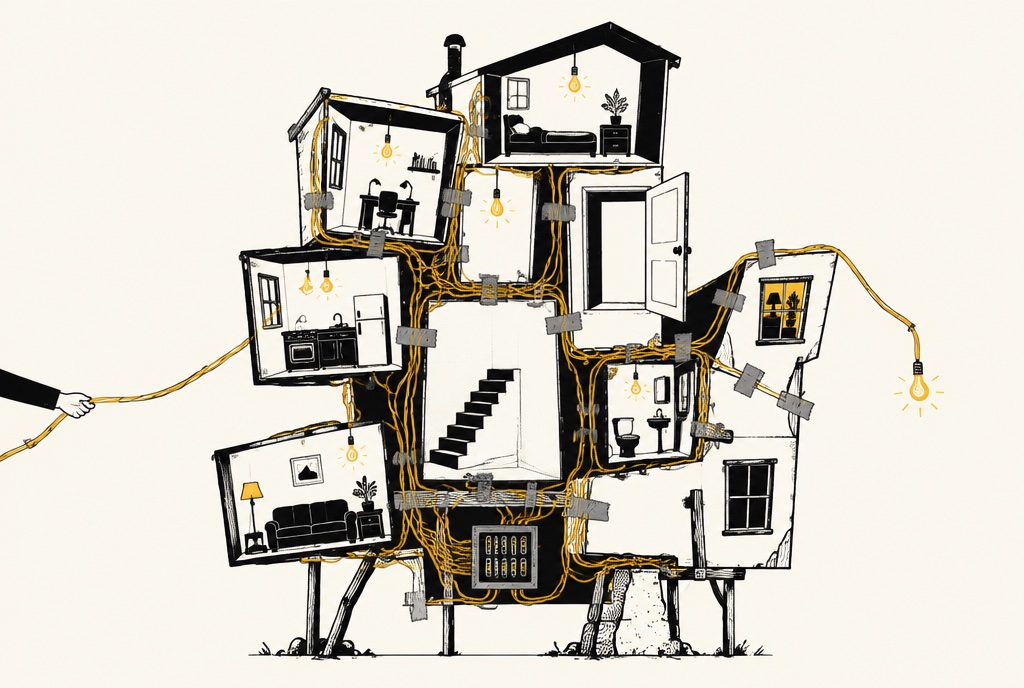
That alone would be manageable. The real problem is the second one: the AI can only see a small part of your app at a time.
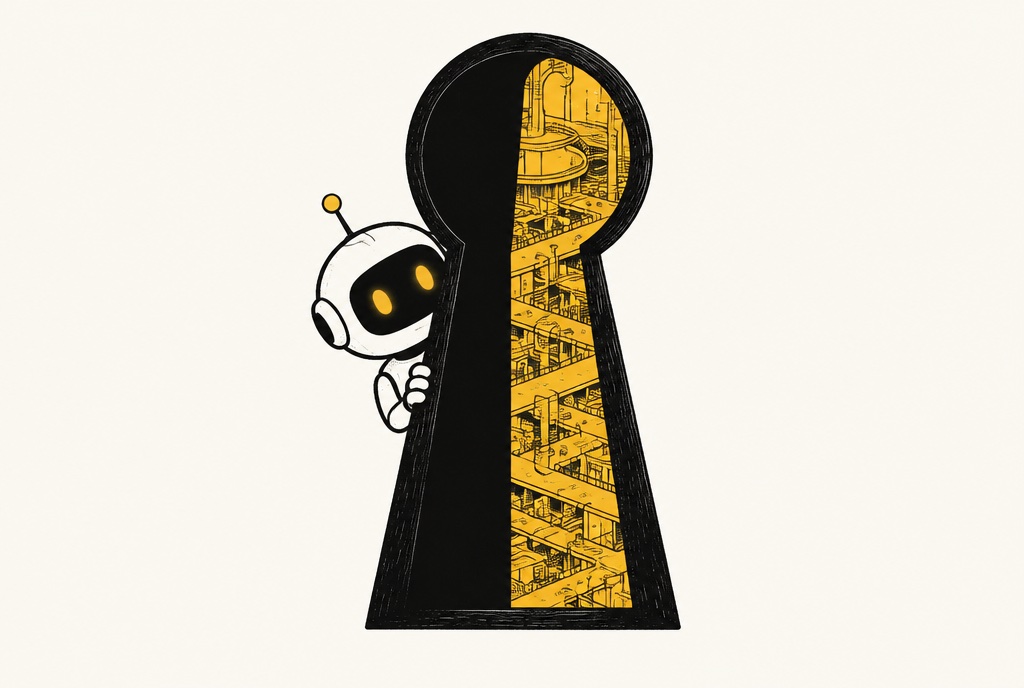
AI assistants have a limited memory for each conversation. In a small app, everything fits in. In a grown app, it doesn't. The AI looks at your house through a keyhole. It sees the room it's working on, but not the cable running from there to the kitchen. So it changes something that looks harmless, and somewhere else, a light goes out.
Welcome to the prompt loop
This is where it gets expensive. You ask for a fix. The fix breaks something else. You ask for a fix for the fix. The AI undoes the first fix. You explain it again, with more detail, in capital letters. Round and round it goes, and every round costs tokens.
Prompts needed to ship one small feature
Same app, same kind of feature. Each extra prompt costs tokens, time and nerves.
Illustrative scenario, not measured study data.
The AI isn't getting worse. Your app is getting harder to understand, and the AI has to work against an ever-growing pile of hidden connections. More prompts won't solve a problem that prompts created.
Why “just make the code maintainable” won't work
At some point, almost everyone tries the obvious trick: tell the AI to clean up after itself. “Refactor everything. Make the code clean and maintainable.” It sounds reasonable. Here's why it backfires.
- 01
“Maintainable” means nothing without a plan
Maintainable for whom? Structured how? The AI has no idea what your app should look like when it's done, so it guesses. Every time you ask, it guesses a little differently.
- 02
It still only sees through the keyhole
Cleaning up a whole app means understanding the whole app. That's exactly what the AI can't do once your project is big enough. So it tidies the part it can see and misses the rest.
- 03
There's no safety net
A big cleanup changes hundreds of places at once. Without automatic checks that test your app, nobody notices what broke until your users do.
- 04
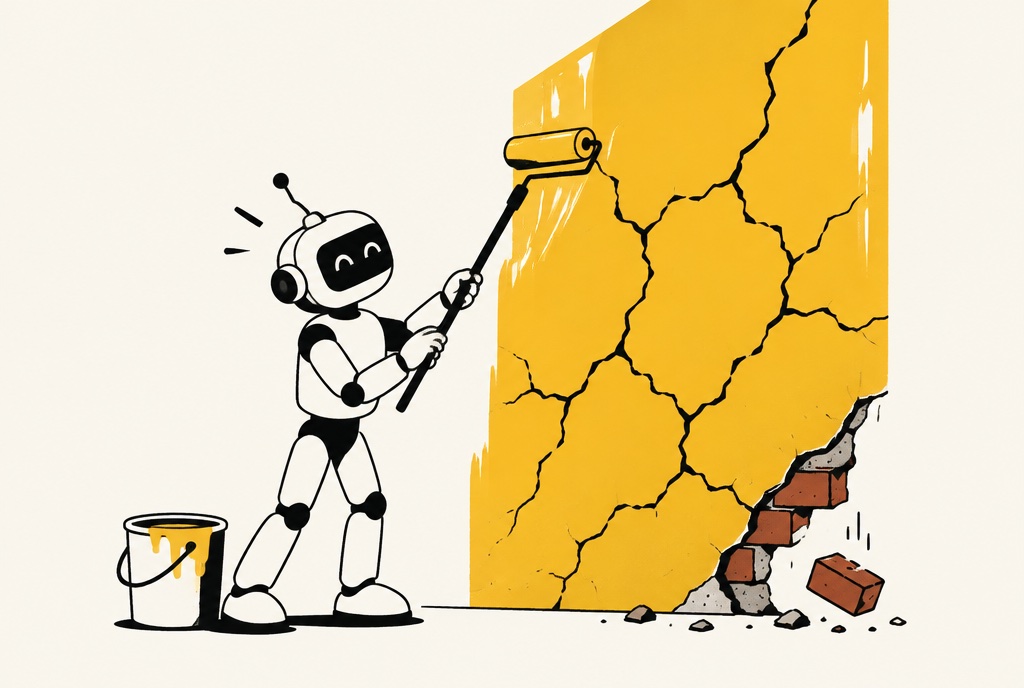
It paints over the cracks
You'll get renamed files, moved code and a confident summary of everything it “improved”. It looks cleaner. But the cracks underneath are still there, and they'll show through again soon.
- 05
The same tool, the same habits
The AI that created the mess is now asked to clean it up, with the same lack of rules that led to the mess. Nothing has changed, so the result won't either.
Making software maintainable isn't one big task you can hand off. It's hundreds of small decisions about how things should fit together. Those decisions need someone who can see the whole house and knows what a good blueprint looks like.
What actually works
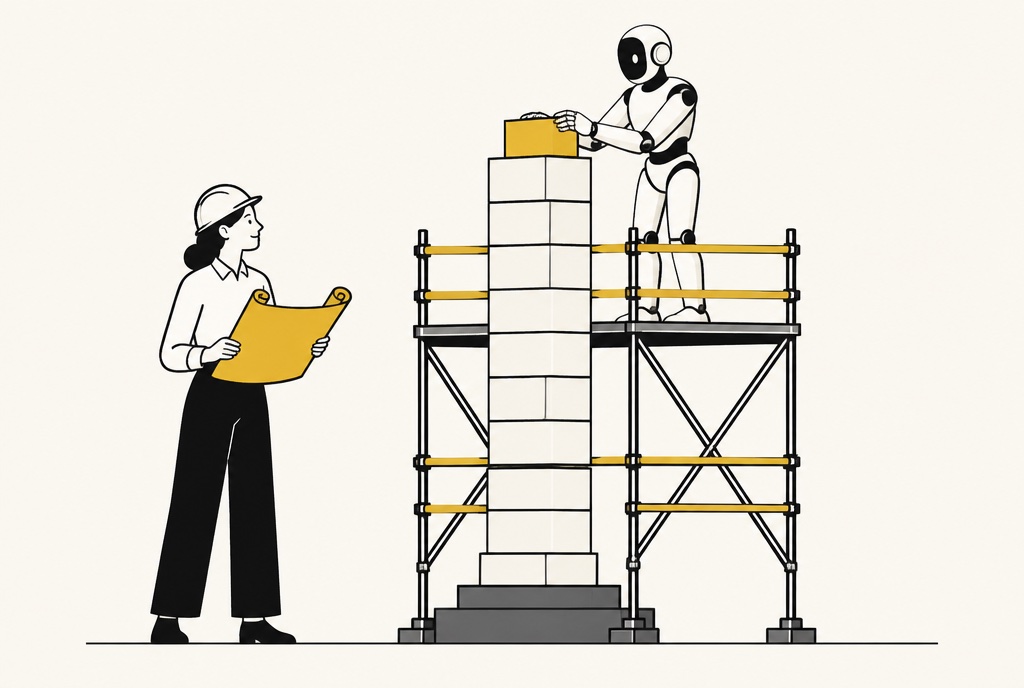
The good news: you don't have to throw your app away. Most vibe-coded apps can be rescued. Your features, your design and your ideas stay. What changes is the foundation underneath. This is what I do in a rescue:
Understand what's there
Before changing anything, I map out your app: what it does, where the weak spots are and which parts are holding everything together with duct tape.
Build a safety net
I add automatic checks (tests) for the things that matter most. They run on every change and shout when something breaks, before your users notice.
Give your app a blueprint
I set up a clear structure (the architecture), so every part of your app has its own place and its own job. One change stays in one place instead of rippling through everything.
Write the house rules for your AI
Your AI assistant gets clear written instructions: how your app is built, where things belong, what it must never do. Suddenly it stops guessing.
Clean up step by step
No risky big-bang rewrite. Small, safe steps, each one checked by the safety net, until your app is solid again.
The AI becomes useful again
Here's the part people don't expect: after a rescue, you can keep vibe coding. In fact, it works better than ever. With a clear structure, house rules and a safety net, the AI no longer has to guess. It knows where things go, and when it makes a mistake, the checks catch it right away.
What changes after a rescue?
Same app, two paths: keep prompting, or fix the foundation in month 4. Tap the button and hover the chart.
Show the numbers
| Month | Keep prompting | Rescued in month 4 |
|---|---|---|
| 1 | 8% | 8% |
| 2 | 12% | 12% |
| 3 | 18% | 18% |
| 4 | 35% | 35% |
| 5 | 53% | 30% |
| 6 | 72% | 22% |
| 7 | 84% | 17% |
| 8 | 91% | 15% |
Illustrative scenario, not measured study data. There is no proven universal tipping point, but the pattern is one I see again and again.
The sooner you step out of the loop, the cheaper it is. Every month of patching adds more hidden connections that have to be untangled later.
Stuck in the prompt loop?
Tell me about your app and where it hurts. I'll take a look and tell you honestly what it needs to become stable and maintainable again, so you and your AI can get back to building.
Rescue My Software